|
Citations Box: This option will enable the Citations Box. This button will be added to row four of the visual editor. Usage: Placing a check in the box will enable the button in your visual editor. Unchecking the box removes the button from the editor. I'm not too sure as to the functionality of this button. As far as I can tell, the only thing it does is italicize the font and float it left. In the screenshot below, you can see I added the same line of text over and over. The results are not extremely pleasing. This button wraps the selected text with the "cite" tag. The screenshot below also shows how you can add styles to some of the popup boxes. Just enter your property, then a colon, followed by your value, and lastly a semi-colon. You can repeat the process for mutliple properties and values. 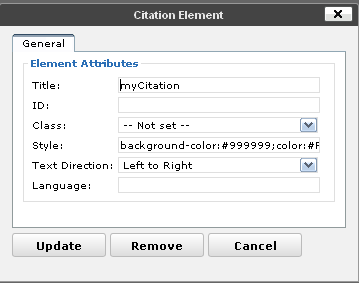 The popup box for adding a citation. 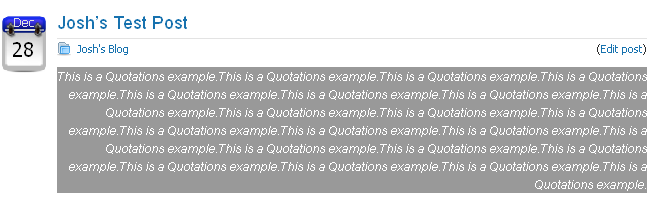 The results from the font-end. |